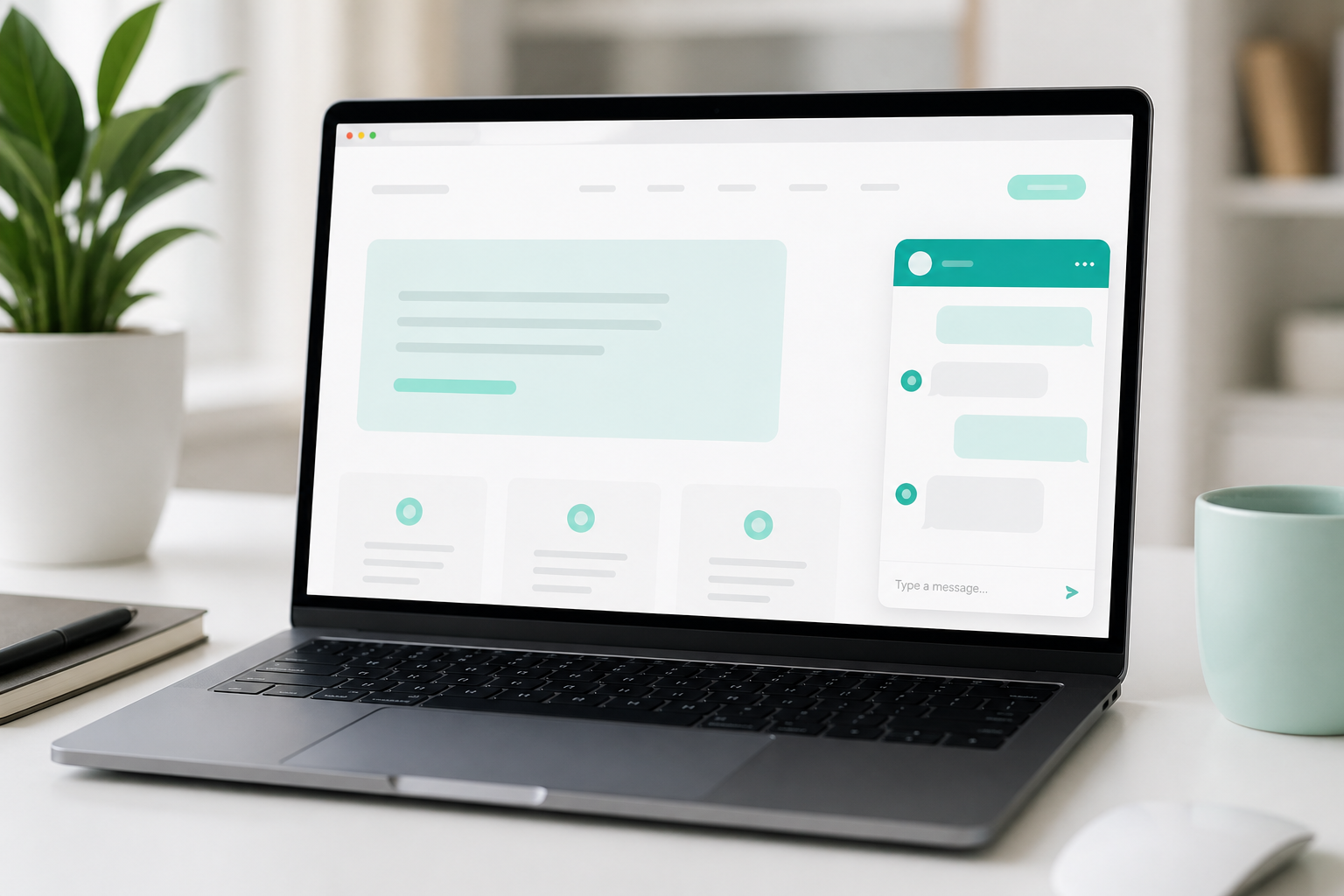
A website chatbot sounds modern. Sometimes it is useful. Sometimes it’s just a jumping bubble covering your pricing and contact button.
Here’s how to decide - without the hype.
What a chatbot should do
A good business-site chatbot has one job:
- answer common questions (timeline, payment, hosting)
- guide people to the right service
- qualify the inquiry (need, deadline, contact)
- route to WhatsApp / form / call
If it “chats about everything” but never drives action - it’s decoration.
When a chatbot really helps
1. You get the same questions every day
“How long does it take?” “How does payment work?” “Do you work remotely?”
If you answer that 10 times a week, a chatbot shortens the path.
2. Visitors don’t know what to choose
Website / web app / mobile app? A chatbot can walk through 3-4 questions and suggest the next step.
3. You want better leads, not more empty emails
Instead of only “Send inquiry,” a chatbot can collect:
- name and email
- project type
- timeline
- short description
That’s more useful than a blank contact form.
When a chatbot gets in the way
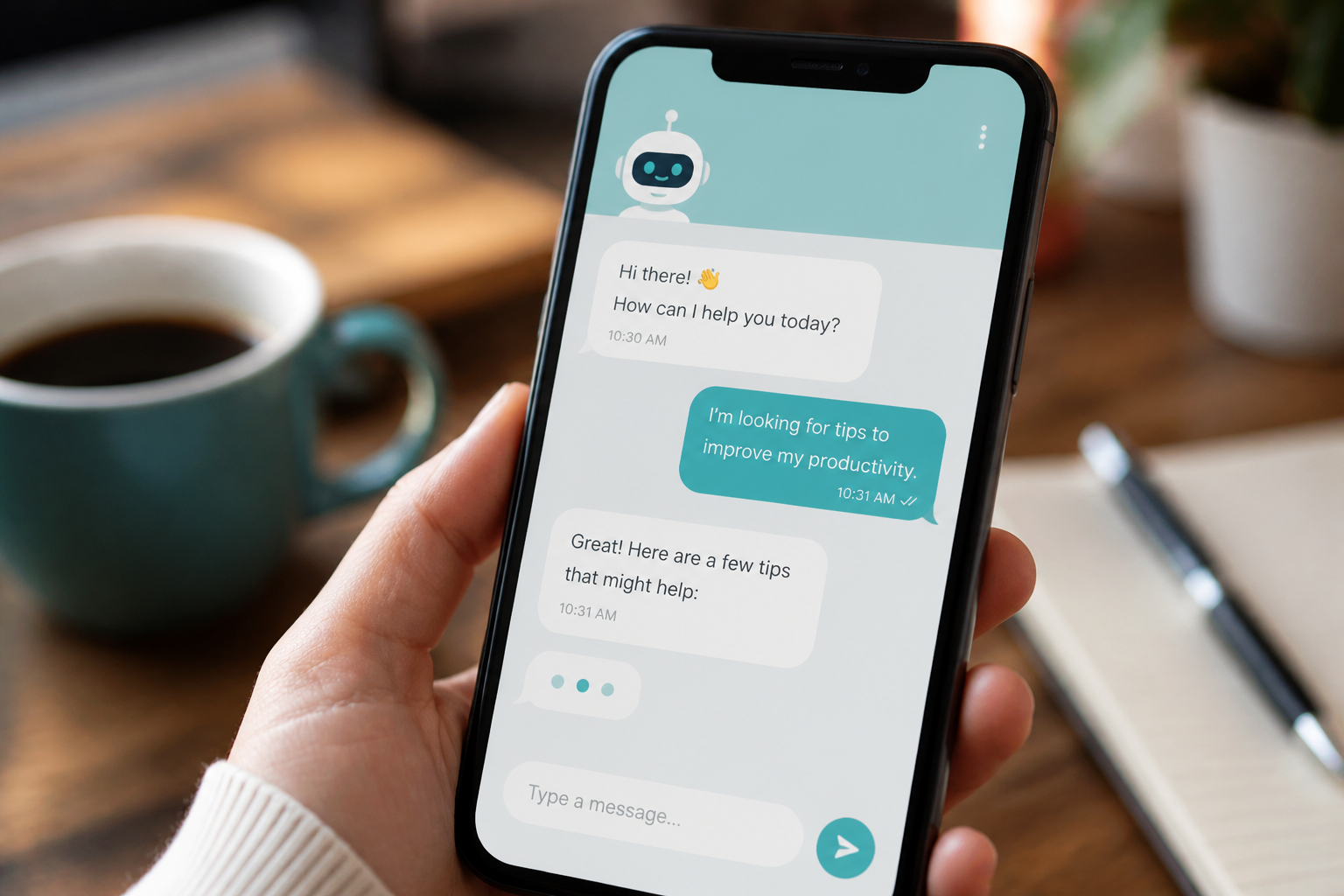
- Pops up immediately and covers content
- Can’t say “I don’t know” and send people to contact
- Invents fixed prices that need a brief first
- Sounds like an aggressive sales robot
- Is slow or often wrong
Worst case: the chatbot blocks the form and phone - the only things that bring clients.
Full AI vs guided assistant
Full AI can talk nicely, but may invent prices, timelines, or services.
A guided assistant (buttons + clear rules + quote wizard) is often better for freelance/agency sites:
- controlled answers
- clear path to a quote
- fewer hallucinations
- cheaper to maintain
AI makes sense later - when you have a knowledge base and answer control.
Rules I use
- A chatbot doesn’t replace a clear offer and contact path.
- FAQ first, then brief qualification.
- No invented prices - ask for context.
- Always offer an exit: WhatsApp, email, form.
- On mobile it must not cover the whole screen for no reason.
Mini checklist before installing one
- We have 5-8 real FAQ answers
- We know the main CTA (call / WA / form)
- The bot collects useful data, not just “hello”
- It can be closed in one tap
- It doesn’t promise what we can’t deliver
Want a chatbot that leads to quotes, not frustration? Contact me - we can add a simple quote flow tailored to your business.